


MS Office 2019 Professional Plus Bind Key
Instant email delivery

Your key is sent within minutes of payment
Included
Official activation key

Redeem on the platform shown in the product details
Region
GLOBAL
Replacement guarantee

Key fails to activate? We replace it or refund you
Support
24/7
- Platform: Other
- Region: REGION FREE
- Delivery: digital key, sent automatically after payment
6,540,000 تومان≈ $28.43 USD
360 عدد در انبار
360 عدد در انبار
Don't Miss Top Accessories
Description
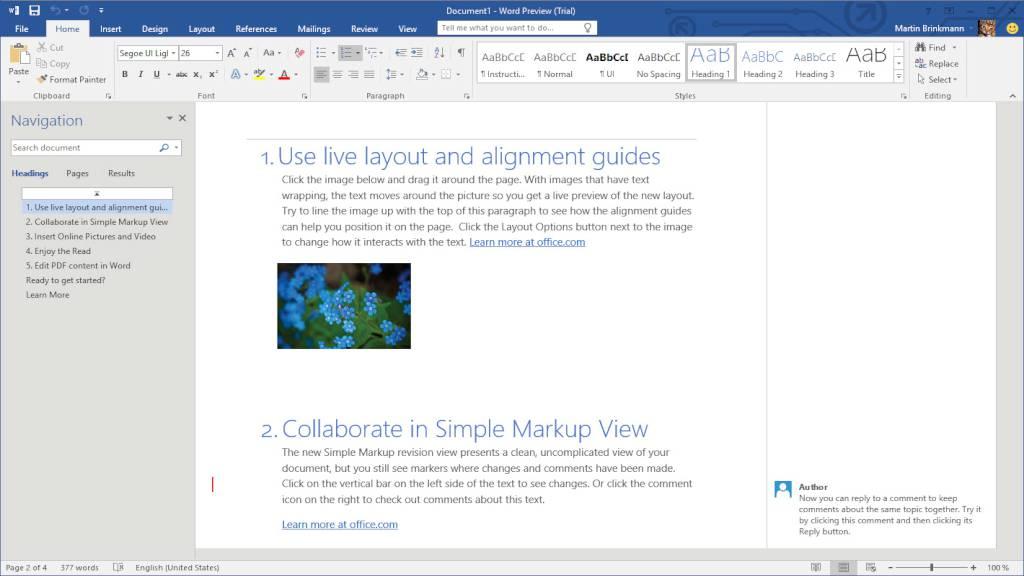
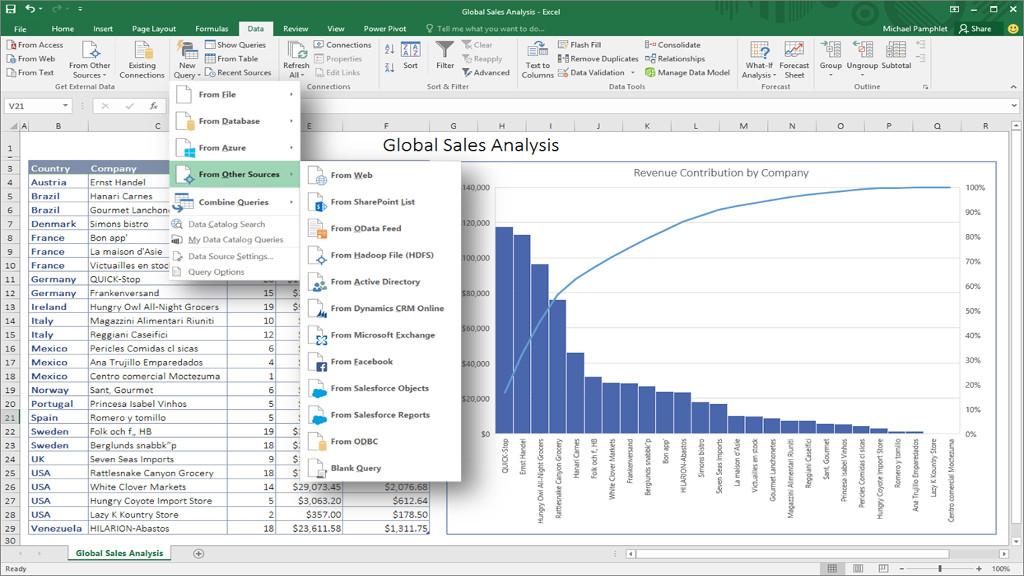
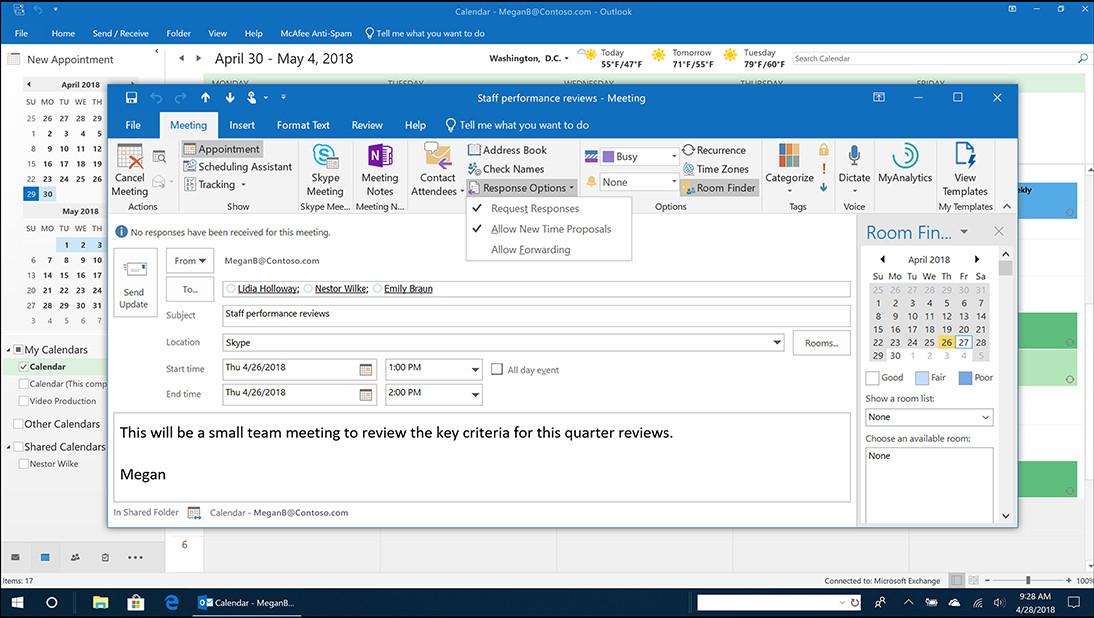
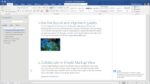
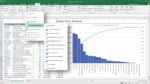
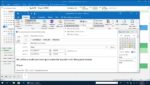
Includes: Word 2019 Excel 2019 PowerPoint 2019 Outlook 2019 OneNote 2019 Publisher 2019 Access 2019 Create presentations, data models, and reports with tools and capabilities like PowerPoint Morph, new chart types in Excel, and improved inking across apps. Manage your time, email, and contacts more easily with features like Focused Inbox, travel and delivery summary cards in Outlook, and Focus Mode in Word. Features Word – Create and share professional-looking documents with state-of-the-art editing, reviewing, and sharing tools. The new Design tab provides quick access to features, and Smart Lookups shows relevant contextual information from the web directly inside Word. Excel – Analyze and visualize your data in new and intuitive ways with a fresh user interface plus your favorite keyboard shortcuts. Leverage features like Analysis Toolpak, Slicers, and Formula Builder to save time, so you can focus on insights. PowerPoint – Create, collaborate, and effectively present your ideas with new slide transitions and an improved Animations task pane. Threaded comments alongside your slides help you incorporate feedback into your presentations. Outlook – Easily manage your email, calendar, contacts, and tasks. Push email support keeps your inbox up to date, conversation view groups related messages, and calendars can be viewed side-by-side for planning. One Note – It’s your very own digital notebook, so you can keep notes, ideas, web pages, photos, even audio and video all in one place. Whether you’re at home, in the office, or on the move, you can take it all with you wherever you go while sharing and collaborating with others. Publisher – Easily create, personalize, and share a wide range of professional-quality publications. Swap pictures with a simple drag and drop, or add pictures directly from your online albums. Use special effects to make your publications stand out. Access – Access is an easy-to-use tool for quickly creating browser-based database applications that help you run your business. Your data is automatically stored in a SQL database, so it’s more secure and scalable than ever. New in Office 2019: Bring visual interest to your documents, worksheets, and presentations by inserting Scalable Vector Graphics (SVG) that have filters applied to them. Translate words, phrases, and other text selections to another language with MS Translator. Convert ink to shapes, write out complex math problems, highlight text, and more. Use a finger or a pen. A mouse works too! Turn on audio cues to guide you as you work. Audio cues are part of sound effects, which you can find in Options > Ease of Access.
Details
- Genres: Software
- Languages: German, English, French, Spanish, Polish, Italian
System requirements
Windows:
Processor: Windows: 1.6 gigahertz (GHz) or faster Operating System: Windows 10 SAC, Windows Server 2019, or Windows 10 LTSC 2019 at release Memory: 4 GB RAM; 2 GB RAM (32-bit) Hard Drive Space: 4.0 GB of available disk space Display: 1280 x 768 screen resolution Graphics: Graphics hardware acceleration requires DirectX 9 or later, with WDDM 2.0 or higher for Windows 10 Multi-touch: A touch-enabled device is required to use any multi-touch functionality. But, all features and functionality are always available by using a keyboard, mouse, or other standard or accessible input device. Note that touch features are optimized for use with Windows 10 Additional System Requirements: Non-commercial use. Internet functionality requires an Internet connection. Microsoft account required.
How to activate
Go to https://www.office.com/setup. Sign in with your Microsoft account, or create one if you don't have one. Be sure to remember this account so that you can install or reinstall Office later, without a product key. Enter your product key, without hyphens, if prompted. If you don't see the option to enter your product key, it was entered for you automatically. Follow the prompts to finish the redemption process. The activation key will bind to your Microsoft account. If you'd like to move the license between devices, you will need to DEACTIVATE it before transfering to a new device. You CANNOT have two active devices at the same time!
Specification
Overview

| Platform | Other Platforms |
|---|---|
| Region | REGION FREE |
| Genre | Software |

نقد و بررسیها
هنوز بررسیای ثبت نشده است.